Unlocking Seamless Development with WordPress.com Studio Sync
In modern web development, speed and efficiency are no longer luxuries—they are necessities. Developers need tools that minimize repetitive tasks, streamline collaboration, and eliminate deployment headaches. WordPress.com has steadily positioned itself as more than just a CMS for bloggers—it’s becoming a developer-friendly ecosystem. Among its latest innovations, the Sync feature within WordPress.com Studio emerges as a powerful tool that bridges the gap between local development and live WordPress.com environments.
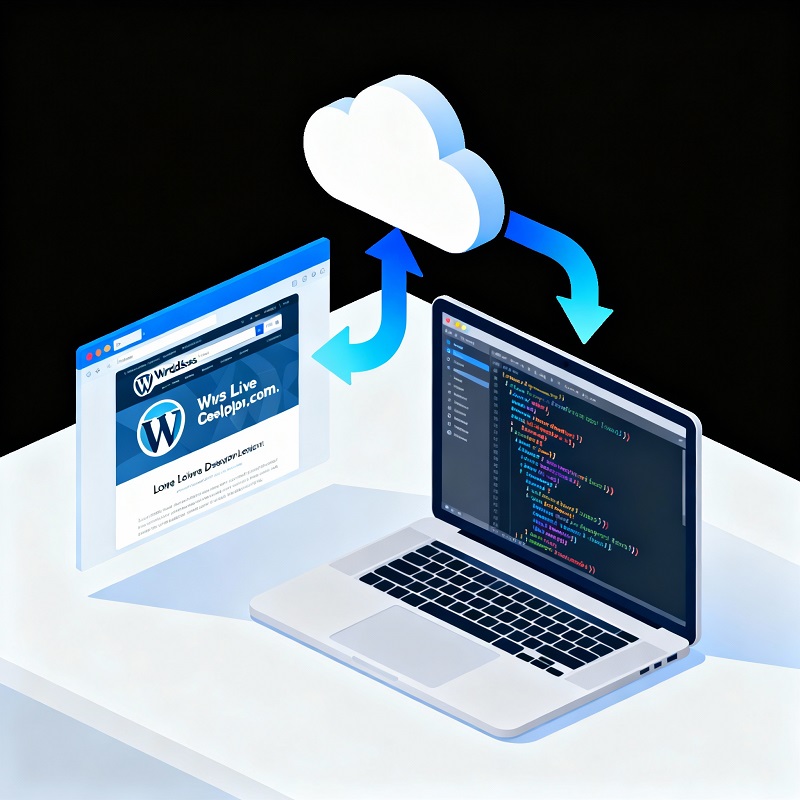
This feature is more than just a convenient file transfer. It ensures developers have a consistent, up-to-date environment for themes, plugins, content, and even database changes. With Sync, projects can move smoothly from the local machine to a hosted WordPress.com site—all at the click of a button.
Why WordPress.com Studio Sync Matters
Eliminating the “It Works on My Machine” Problem
Every developer has faced the frustration of code working locally but breaking in production. Sync drastically reduces this risk by aligning local and remote environments, ensuring changes behave the same way across both setups. This saves time spent debugging and prevents critical errors in live environments.
Faster Iterations and Feedback Loops
Traditionally, developers had to upload files manually or set up complex deployment pipelines. With Sync, pushing updates to WordPress.com is effortless. Whether you’re developing a theme, plugin, or testing new content, changes reflect instantly, making real-time testing and A/B design validation much faster. This creates a faster feedback loop for client projects and team reviews.
Enhanced Collaboration for Teams
When working with a team, keeping everyone aligned can be challenging. Sync allows multiple developers to work locally on their sections, push updates, and merge changes seamlessly into a shared WordPress.com staging or production site. This fosters collaboration across distributed teams and minimizes conflicts.
Version Control and Rollbacks with Git
Sync integrates seamlessly with Git. If something goes wrong after deployment, developers can roll back to a stable Git commit and quickly re-Sync. This tight integration ensures a safety net for WordPress.com development workflows, something manual FTP uploads often lack.
Simplified Client Collaboration
For freelancers and agencies, Sync makes showcasing work painless. Instead of asking clients to install local environments or review staging servers with complicated access, developers can Sync progress directly to WordPress.com and share a live link. This makes client feedback and approvals smoother.
Use Cases of WordPress.com Studio Sync
- Theme development: Build locally with your preferred IDE and Sync custom themes for testing and review.
- Plugin development: Debug plugins locally and test live performance on WordPress.com within minutes.
- Content synchronization: Push locally built or demo content into staging before going live.
- Prototyping: Quickly build and deploy MVPs or demo sites on WordPress.com.
- Troubleshooting: Pull live issues into your local Studio environment, fix them, and Sync back instantly.
Who can use this?
This feature is available on sites with the WordPress.com Business or Commerce plan.
Final Thoughts
WordPress.com Studio’s Sync tool is more than a feature—it’s a shift in how WordPress.com developers build and deploy projects. Whether you’re an independent freelancer creating custom themes, or part of a team managing WordPress.com at scale, adopting Sync can eliminate bottlenecks, speed up development, and provide confidence in every update.
If you’re building on WordPress.com today, leveraging Sync isn’t just a smart choice—it’s becoming a strategic must-have for modern web development.
Find more on https://developer.wordpress.com/docs/developer-tools/studio/sync/



Leave a Reply